

 한국어
한국어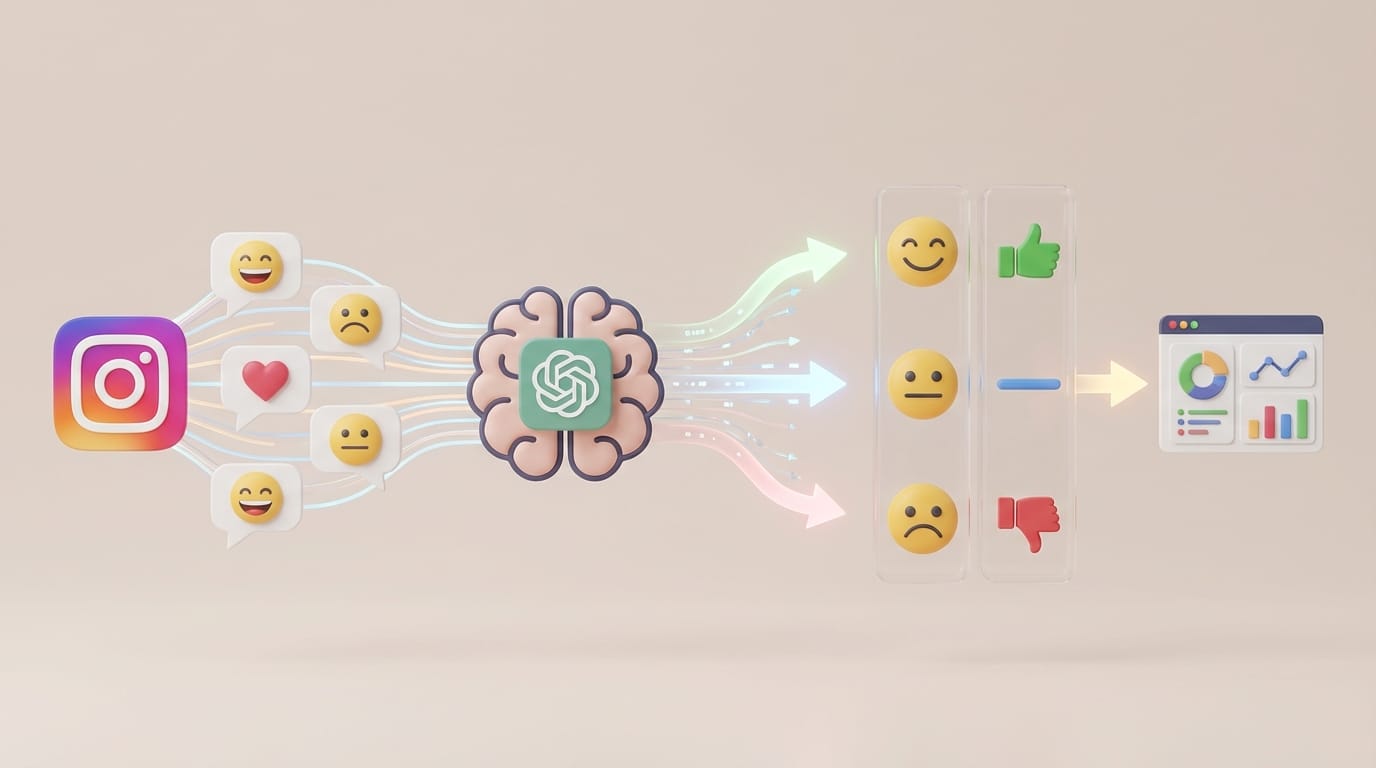
The Ultimate Workflow: Analyzing Sentiment in Instagram Comments with ChatGPT
From Noise to Signal: Why Reading Isn't Enough
In the fast-paced world of US social media marketing, engagement is a double-edged sword. A viral post brings thousands of comments, but manually reading them to gauge audience reaction is inefficient and subjective. Are users genuinely excited, or are they being sarcastic? Is that spike in comments due to a product flaw or a successful meme?
To truly understand your audience, you need Sentiment Analysis. This is the process of using algorithms to determine the emotional tone behind words. While big corporations pay thousands for enterprise tools, you can build a powerful, custom analysis workflow using two tools: Comment-Drop and ChatGPT.
Here is how to turn your Instagram comments into a professional data report in three simple steps.
Step 1: Export Your Data (The Foundation)
ChatGPT is powerful, but it cannot browse live Instagram posts to scrape thousands of comments due to API restrictions. To analyze the data, you first need to own it.
Comment-Drop bridges this gap by extracting comments into a machine-readable format.
How to Extract Comments for AI Analysis:
- Access Comment-Drop:
Log in via Instagram to authenticate (we do not store credentials; this is strictly for API access). - Select the Post:
Choose the high-engagement post you wish to analyze. - Download as CSV:
Click "Start Download." Once the collection is complete, select CSV as your download format.- Why CSV? Comma-Separated Values (CSV) files are lightweight and the easiest format for AI tools like ChatGPT to process without formatting errors.
Pro Tip: This workflow isn't limited to Instagram. You can also copy/paste a YouTube or Facebook URL into Comment-Drop to analyze sentiment across all your social channels.
Step 2: Upload to ChatGPT (The Analyst)
Once you have your CSV file, it's time to let AI do the heavy lifting. For this step, we recommend using ChatGPT (GPT-4o or models with "Advanced Data Analysis" capabilities).
Execution Guide:
-
Upload the File:
Click the attachment icon (paperclip) in ChatGPT and upload yourcomments.csvfile. -
Enter the Prompt:
Copy and paste the following prompt to get a professional breakdown:*"Act as a Senior Data Analyst. I have uploaded a dataset of Instagram comments regarding [Insert Product/Topic Name]. Please perform the following:
- Sentiment Classification: Categorize each comment as Positive, Negative, or Neutral. Provide the percentage breakdown for each.
- Theme Detection: Identify the top 3 recurring themes in the Negative comments (e.g., Shipping delays, Pricing).
- Voice of Customer (VoC): Extract 5 direct quotes that best represent the overall user sentiment."*
-
Review Results:
Within seconds, ChatGPT will read hundreds of rows and output a structured summary.
Step 3: Interpret and Act (The Strategy)
Data is useless without action. The combination of Comment-Drop and AI allows you to move from "feeling" how a campaign went to "knowing" how it went.
Strategic Applications:
- Crisis Management: If Negative sentiment spikes above 15%, use the "Theme Detection" from Step 2 to identify the exact cause (e.g., a specific offensive phrase in the video) and issue an apology immediately.
- Product Development: If multiple comments mention "I wish this came in blue," you have data-backed evidence to present to your manufacturing team.
- Ad Creative Optimization: Analyze which specific words appear most in "Positive" comments and use those keywords in your next ad copy.
Comparison: Manual Review vs. The Comment-Drop Workflow
| Feature | Manual Review | Comment-Drop + ChatGPT |
|---|---|---|
| Capacity | ~50 comments/hour | Unlimited |
| Objectivity | Low (Biased by recent comments) | High (Statistical analysis) |
| Output | Vague impression | Charts & Percentages |
| Cost | High (Man-hours) | Low (Free tools available) |
Frequently Asked Questions (FAQ)
Q: Do I need the paid version of ChatGPT to do this?
A: While the paid version (Plus) allows for direct file uploads (Excel/CSV), you can still use the free version. Simply open your Comment-Drop file, copy the text column, and paste it directly into the chat with the prompt.
Q: Can Comment-Drop export large datasets for big influencers?
A: Yes. Comment-Drop is designed to handle large volumes of data efficiently. Whether you have 500 or 50,000 comments, the "Start Download" feature collects them all.
Q: How much does Comment-Drop cost?
A: You can export up to 100 comments for free per download. This is perfect for testing this sentiment analysis workflow. For larger campaigns, we offer affordable upgrades.
In the era of data-driven marketing, scrolling isn't a strategy. To compete, you need to listen to your audience at scale.
By using Comment-Drop to export your data and AI to analyze it, you transform your comment section from a simple engagement metric into a goldmine of customer insights.
Stop guessing what your followers are thinking.
 Export Your Instagram Comments to CSV Now